
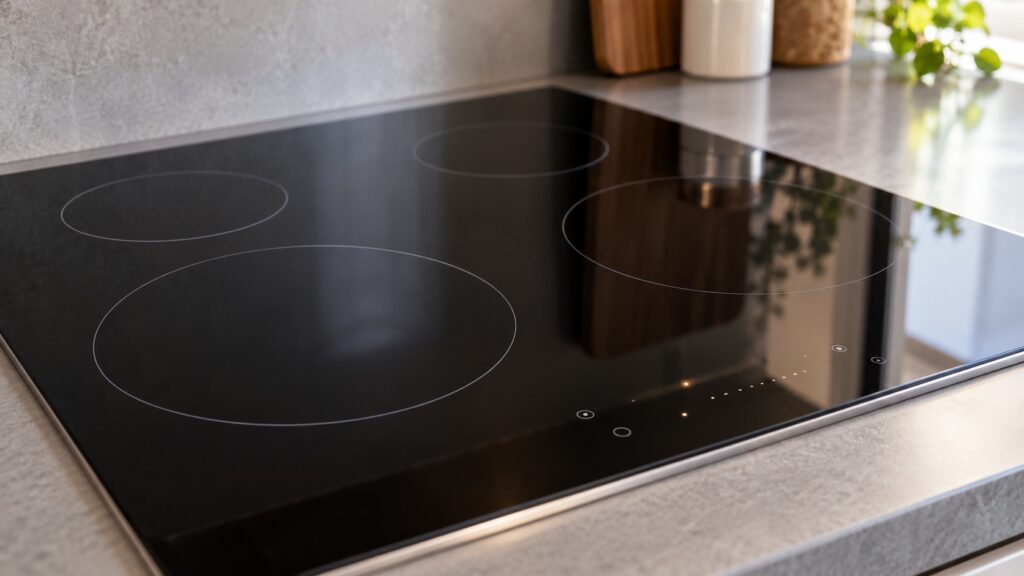
The Fisher Paykel induction cooktop display symbols are the small lit indicators beside each cooking zone and on the touch control strip. They tell you the power level you have set, whether the cooktop detects a pan, whether a zone is hot after use, whether the controls are locked and whether a timer is running. The exact icons and where they appear differ by model, and our site does not list each one, so this glossary groups them by what they do, and your owner’s manual remains the reference for the precise meaning on your cooktop. Numbered or lettered fault messages are a separate thing, and our cooktop code pages cover them.
What does the power level display show?
Each zone has a power setting, and the display shows it as you change it by touch or slide. Induction heats the pan directly, as our guide on how induction cooktops work explains, so the setting responds quickly. Models differ in how many levels they offer and whether they have a boost function: PowerBoost and SmartZone are brand terms that appear on our site, and our SmartZone cooking tips explain how a flexible zone works. Which of these your cooktop has is in the manual. We do not list power levels or wattages here.
What does pan detection mean?
An induction cooktop only heats when it senses suitable cookware on the zone. A pan-detection indicator shows that the cooktop has found one. If the indicator does not light or a zone shuts off, the pan may be unsuitable, off-center or too small, and check your manual for the cookware that suits your cooktop. See the pan not detected page for the symptom and the zone shuts off page for a zone that cuts out mid-cook. These are normal protective behaviors more often than faults.
What does the hot-zone indicator mean?
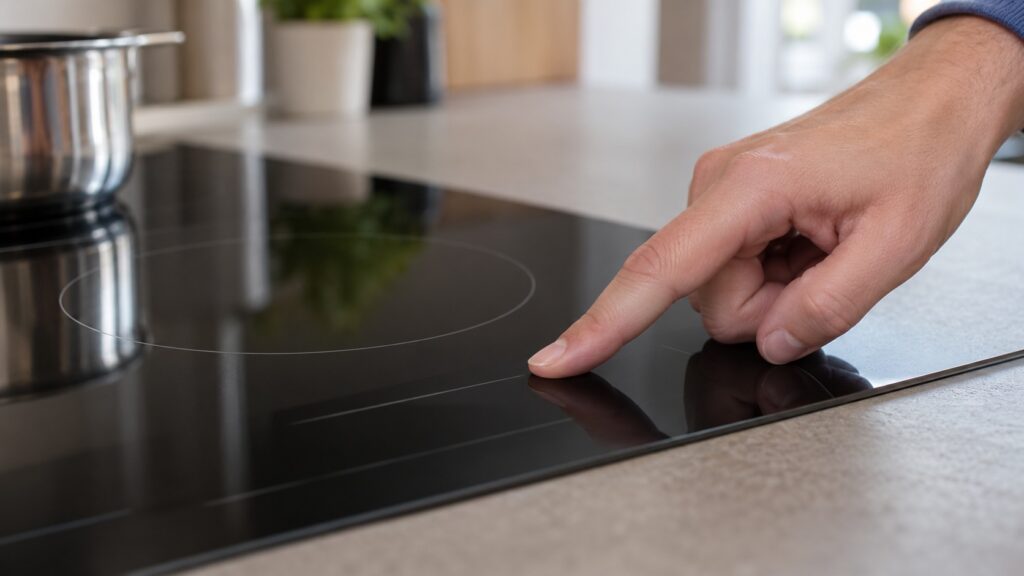
Induction heats the pan, not the glass, but the glass warms from the pan and stays hot after you switch the zone off. A hot-zone indicator stays lit until the surface has cooled enough to touch safely, and you should treat the glass as hot while it is lit, even if the zone is off. The symbol used for it differs by model, so check your manual for what yours looks like. Do not place anything that can melt on a zone with the indicator lit, and keep children away until it has gone out. Clean the cooktop only once the indicator has gone out, following our induction cooktop cleaning guide.
What do control lock and timer symbols mean?
A lock symbol shows that the touch controls are locked so they cannot be changed by accident, for example by a child or while you wipe the surface. The way to lock and unlock differs by model, and the manual describes it. Our controls locked page covers the case where the cooktop appears unresponsive because it is locked. A timer symbol shows that a timer is running for a zone or for the cooktop, on models that have one. If the cooktop seems dead, check for a lock before assuming a fault; the won’t power on page lists other causes.
How do symbols differ from error codes?
Symbols describe normal operation: the level, the detection, the heat, the lock. Error codes appear when something is wrong and are shown as letters and numbers. Our cooktop error codes explained guide covers the code families, and the E2 and EH and ER class pages cover others. We do not repeat the meanings here, because each is specific and some depend on the model. If you see a code, note it exactly, switch the cooktop off and check the code page. If it returns, call us.
How can you use the display to cook better?
Look at the display as a conversation with the cooktop. When you place a pan and the detection indicator lights, you know the zone is working. When you raise the power level, the zone responds quickly, so make small changes and watch the pan. When you finish, watch for the hot-zone indicator before you wipe or touch the glass. If you use a flexible zone, the display shows which part of it is active, as our SmartZone guide describes. Learning what each indicator does means fewer surprises, and it helps you tell an ordinary protective behavior, such as a zone pausing because the pan is missing, from a real fault.
Take a photo of the display when something unusual appears, and write down what you were doing. That information is the starting point for any diagnosis, whether you check the code pages yourself or call a technician.
When should you call a technician?
Call if a code keeps returning, if a zone will not heat with suitable cookware, if the display is blank, flickers or shows odd symbols, or if the cooktop beeps constantly. Do not open the cooktop or touch its electronics. If you see water on the controls, a burning smell or sparks, switch off the breaker at the panel while standing on a dry floor. Our Fisher & Paykel cooktop repair page explains how a visit works, and the induction cooktop not heating guide covers a cooktop that will not heat.