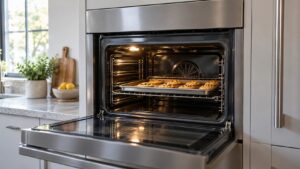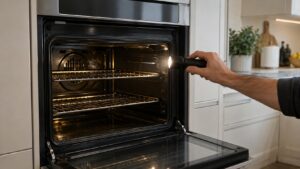
A Fisher Paykel oven clock flashing after a power outage usually means the control lost power and is waiting for you to set the time again. Check that the breaker is on, set the clock as your owner’s manual describes, and see whether the oven runs normally. If the display stays dark, shows an F5 code, or keeps flashing again after you set it, the fault is no longer the outage but the clock module, the power module or the link between them, and that is a technician job.
Why is my Fisher Paykel oven clock flashing?
An electronic oven keeps its time and its settings in a control that needs steady power. When the supply drops, even for a second, the clock loses track of the time and flashes to ask you to set it. That is the most common reason, and it is normal. Storms, utility work, a tripped breaker and a household electrician switching a circuit off are all enough. Many ovens will not run a timed or delayed bake until the clock has been set again, which is why a flashing display can look like a broken oven when it is only waiting.
The reason it is worth sorting out is that the same symptom can also be an early sign of a failing board. The difference is what happens after you set the clock: a healthy oven holds the time and works, while a faulty control keeps flashing, drops the time within hours or refuses to start. If it follows a storm or surge and you can reset it once, treat it as normal and keep watching.
How do you set the clock and restore normal use?
First confirm the oven has power. Check the breaker for the oven circuit and look at whether other kitchen appliances on the same circuit work. Then follow the clock-setting steps in your owner’s manual, because the exact sequence differs between the dial models and the touchscreen models. Once the time is set, start a simple function such as a basic bake and listen for the fan and the elements. A short test run proves the control and the elements are both alive.
If the oven runs, the job is done. If the clock will not accept a new time, if the buttons do not respond, or if the display flashes again soon after, move to the reset below. Our guide to Fisher Paykel oven features explains how the functions and timers are meant to work once the clock is right.
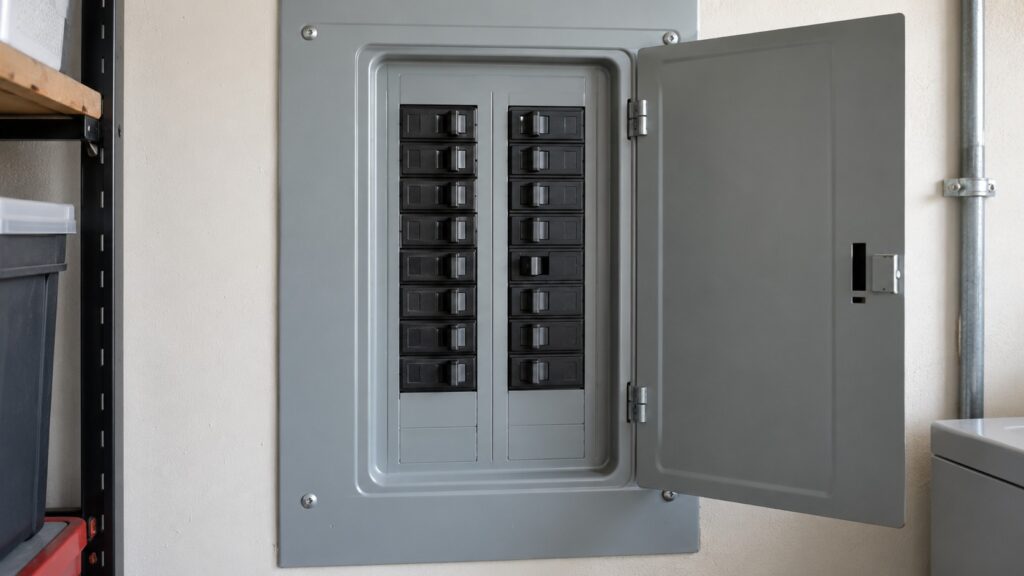
What is the safe reset, and what does it do?
Write down anything the display shows first, because cutting power erases the evidence. Then switch the oven off at the breaker, wait several minutes so the control can fully discharge, and switch it back on. Set the clock and put the oven through a normal short cycle. A brief power-off clears a one-off glitch, such as a surge latching a code, and costs nothing. A code or a flashing display that comes straight back is a real problem, and repeated resets only delay the diagnosis.
That reset is as far as an owner should go. Do not pull the oven out and open the back, and do not probe the boards, since the electronics bay carries mains voltage. Our page on resetting an oven F-code explains what a reset can and cannot clear.
When is a flashing clock really a blank display or an F5?
A flashing clock means the oven is alive and asking for the time. A dark or unresponsive panel is a different thing: confirm the breaker, then see our page on an oven blank display, because a dead panel can mean a failed display module, a failed power module or a lost link between them. If an F5 shows with a frozen or blank panel, that is the communication fault between the clock module and the power module, covered in our guide to the F4, F5 and F7 oven codes.
F5 often turns up right after a power event, which is why it can be mistaken for the ordinary flashing clock. The giveaway is behavior: F5 stops the oven from working normally and tends to return after a reset, while a plain outage clock does neither. A technician may reseat the connector between the two boards, and if F5 persists the power module or its harness is replaced.
How can you stop it from happening again?
If the clock flashes after every storm, the oven is telling you the supply is unstable. Ask an electrician to check the circuit and the connection at the oven, and to consider a whole-house surge protector, which also protects the other electronics in the kitchen. Make sure nothing else heavy shares the circuit and that the breaker is the right type and size for the oven. A loose connection at the breaker or a worn breaker can cause brief drops that nobody notices until the clock flashes.
If the oven keeps losing its time with steady power, or you also see temperature errors, book a diagnosis. Our guide to F1, F2 and F3 oven codes covers the over-temperature family, and Fisher Paykel oven repair can test the control boards.