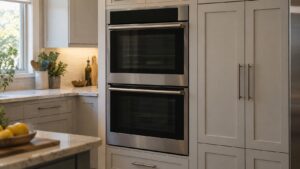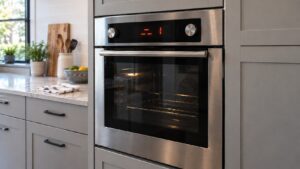
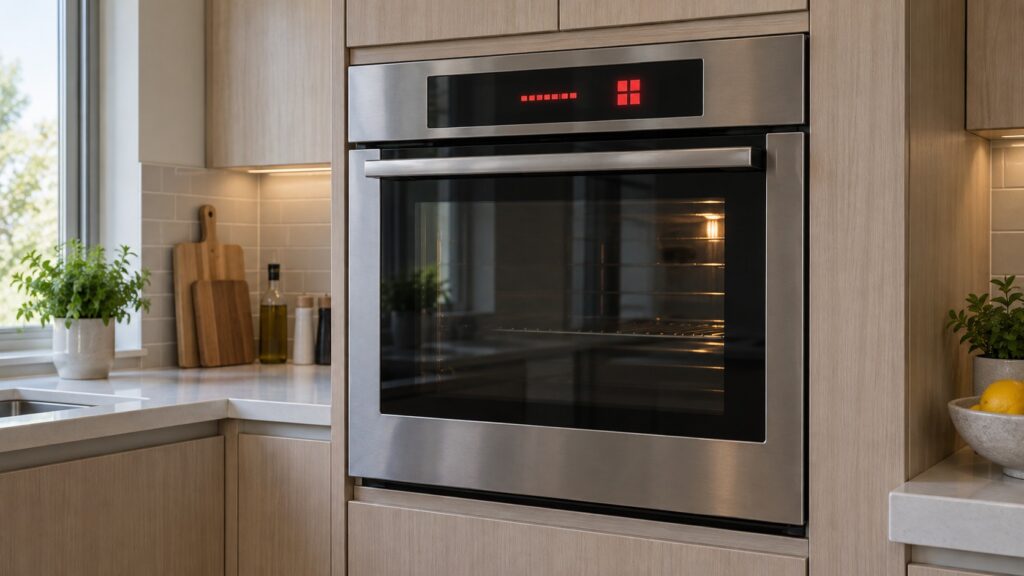
A Fisher Paykel oven F1 error, an F2 and an F3 all describe something that got too hot, and that is exactly why they are so easy to confuse. The difference is what got too hot and when. F1 is the electronics bay behind the controls. F2 is the oven cavity during a pyrolytic self-clean. F3 is the oven cavity during ordinary cooking. Three different parts of the same appliance, three different repairs.
What does F1 mean on a Fisher and Paykel oven?
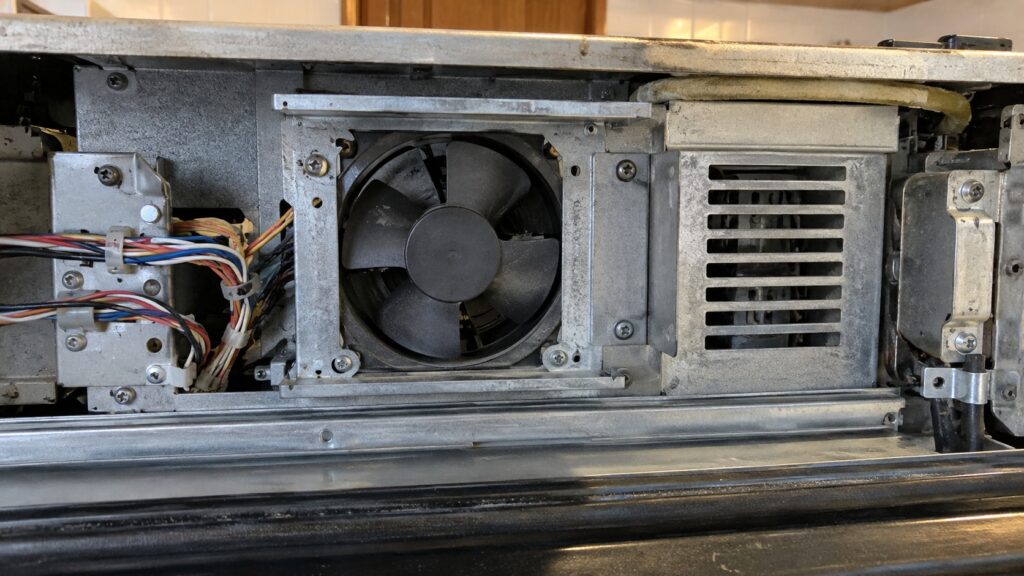
Behind the control panel of a built-in oven is a shallow bay holding the clock module, the power module and their wiring. It is the coolest place in the appliance by design, and it stays that way because a small fan pulls room air through it and pushes the warm air out through a vent — usually a slot above the door or under the countertop.
F1 means that bay went past its safe temperature. The electronics are not failing from age; they are being cooked. The three usual reasons are a cooling fan that has seized or lost its supply, a vent path that has been blocked, and an installation that never had the clearances the cabinet needed in the first place.
That last one catches people out after a kitchen remodel. An oven that ran for eight years without complaint and started throwing F1 the month a new countertop or trim strip went in is not coincidentally faulty. Something closed off the air path. Our guide on wall oven installation requirements covers the clearances the cabinet is supposed to leave.
Why does F2 only appear during a self-clean?
Pyrolytic cleaning works by taking the cavity far above any cooking temperature and reducing what is inside to ash. The oven expects extreme heat during that cycle, so the limit that raises F2 sits well above the one that raises F3. When F2 appears, the cavity has passed even that raised limit.
The practical reading is that self-clean is the hardest test the oven ever runs, and it exposes weaknesses that normal baking never touches: a temperature sensor drifting at the top of its range, a relay on the power module that welds closed and keeps an element energized, a door seal or lock that is not holding the heat where it belongs. A cavity sensor can read perfectly at 350 degrees Fahrenheit and badly at 900.
If F2 appears, let the oven cool completely before doing anything — the door stays locked until the cavity drops, and that is the lock behaving correctly. Do not immediately start a second self-clean to “see if it happens again”. If the cause is a welded relay, the second run is the one that does real damage. Our self-clean guide explains what the cycle is supposed to do.
What is different about F3 during normal cooking?
F3 is the same over-temperature judgment applied to everyday baking and roasting, and because the limit is much lower it tends to appear earlier in the life of a fault than F2 does. Two causes dominate.
The first is the cavity temperature sensor, an NTC thermistor whose resistance changes with heat. When it drifts or its connection corrodes, the board reads a cavity that is cooler than it really is, keeps the element on, and the true temperature climbs until the limit trips. The symptom before the code is usually food that browns too fast or burns on the bottom.
The second is the element control itself — a relay on the power module that no longer opens. Here the oven heats continuously no matter what temperature you dial in, and the code follows within one or two long cycles. Our guide on oven heating problems covers the symptoms that show up before the code does, and calibrating the oven temperature is worth reading if the oven runs hot but has never actually tripped.
Does the clock flashing mean the same thing as an F code?
No, and this is the most common false alarm. A Fisher and Paykel oven that shows a flashing clock and nothing else has lost power and come back — a breaker trip, a brief outage, a switched circuit. It wants the time set, not a repair. The oven will usually refuse to start a timed program until the clock is set, which is easily mistaken for a fault.
A real F code is a letter and a number, it usually beeps, and it does not clear when you set the clock. If the display shows four dashes, or the panel is blank but the oven light works, those are separate conditions with their own causes, and neither is an over-temperature fault.
What can I check myself, and what needs a technician?
- Cut the power for two minutes. All the F codes latch. If the code returns as soon as power comes back, the condition is live rather than remembered.
- Listen for the cooling fan. Run the oven at a moderate temperature for ten minutes and put a hand near the vent above the door. Moving warm air is a healthy fan; still air with a hot panel is the classic F1 setup.
- Clear the vent path. A towel over the door handle, a trim strip fitted flush, or a sheet of foil laid across the cavity floor can all block the air the oven needs.
- Note when the code appears. During self-clean, during baking, or at switch-on — that single fact separates F2 from F3 from a board problem faster than anything else.
Stop before removing the control panel or the oven from its cabinet. The electronics bay carries mains voltage at the terminal block, the door on a pyrolytic oven is heavy and spring-loaded, and a cavity that has run a self-clean stays dangerous to touch for a long time after the cycle ends.
We are an independent repair company, not a factory service arm. Pricing starts from a diagnostic visit — from $129 — with the estimate confirmed before work begins. Fisher Paykel oven repair covers cooling fans, cavity sensors, door locks and power modules on wall ovens and range cavities alike, and you can schedule a visit online. Tell us the code and the moment it appeared, and most of the diagnosis is already done.