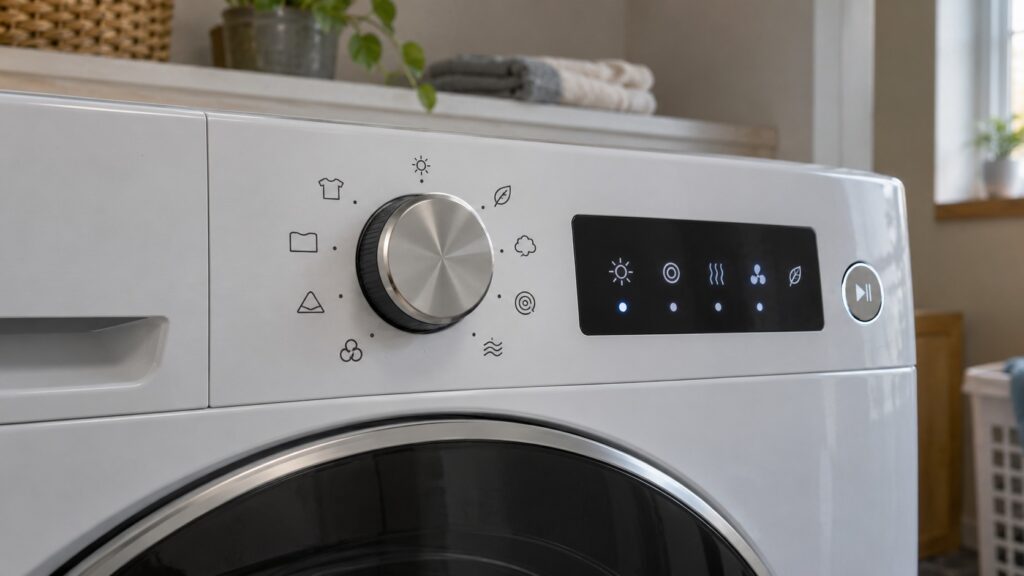
Fisher Paykel dryer symbols are the small icons on the control panel that tell you what the dryer is doing: which program you chose, how dry the load will be, whether the door is closed, when to clean a filter, how long is left and when the cycle has finished. The exact set and the artwork differ between models, and between vented and heat pump dryers, so this glossary groups them by what they do. For the precise meaning of every icon on your dryer, your owner’s manual is the reference, and we do not guess at an icon we cannot see on your model.
What are program and drying-level symbols?
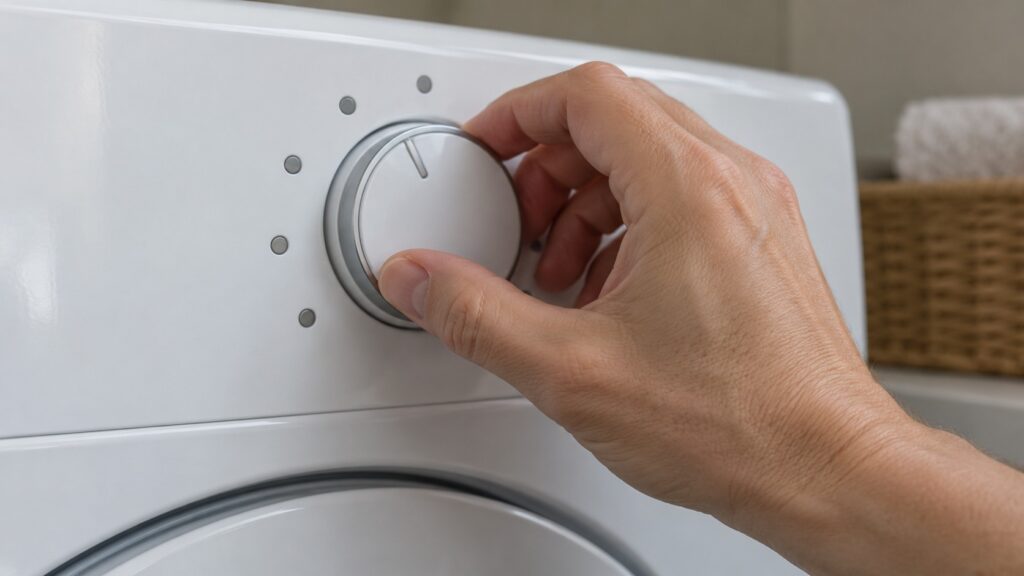
These are the icons you use to start a cycle. A selector or a set of buttons lets you pick a program for a type of load, such as cottons, synthetics or delicates, and the display lights the matching icon. A drying-level icon shows how dry you want the load to be, for example less dry for items you will iron or fully dry for towels. On dryers with a moisture sensor, which our guide on drying systems and the AutoDry sensor guide describe, the dryer decides when the load is dry and the level you pick tells it where to stop. The names and options on your dryer depend on the model, so read the program table in your manual.
What do door and start symbols mean?
A door icon or an indicator light tells you the door is open or not fully closed, and the dryer will not start until it is. Our guide on dryer not starting and door lock codes explains the connection between the door, the latch and a dryer that will not start, and our door seal and latch issues guide covers the mechanical side. If the dryer will not start with the door apparently closed, check that nothing is caught in the door, that the lint filter is seated and that no lock or delay setting is active. The dryer won’t start page lists the symptoms.
What are filter and maintenance reminders?
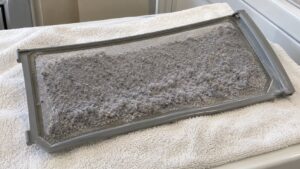
Some dryers show an icon that reminds you to clean the lint filter or, on heat pump dryers, to look after parts such as the condenser or the water container. The details depend on the model. The reminder matters because airflow is what dries clothes, and a clogged filter or a blocked path makes cycles long: our guide on a dryer that takes too long to dry and the dryer vent cleaning guide explain why. If a reminder icon stays lit after you have done what it asks, check your manual for how to clear it, and do not assume a fault. The airflow restricted page covers the related symptom.
What do time and cycle-stage symbols show?
A display typically shows an estimated time remaining, and icons for stages such as drying, cooling down or finished. On a dryer with a moisture sensor, the time shown is an estimate that changes as the dryer reads how wet the load is, so it can go up or down during the cycle. That is normal and not a fault. A cycle that keeps extending, or never reaches the end, suggests a heavy load, restricted airflow or a sensor that is reading wrongly; see your manual for whether a moisture sensor is fitted to your model.
How are symbols different from numbered codes?
Icons describe normal operation and simple prompts; a numbered code is a fault message. Our site has a page for each dryer code, and we do not repeat their meanings here because they are specific. If your dryer shows a number instead of an icon, look it up on our dryer code pages or in your manual, and note it before you call. Also be aware that a blinking icon or a beeping pattern may mean something different from a steady one: your manual lists what each pattern means on your model. For a dryer that will not heat, see dryer not heating.
When should you call a technician?
Call if a symbol or code does not clear after the steps your manual gives, if the dryer will not start, will not heat or stops mid-cycle, or if you notice a burning smell, in which case stop using it and switch it off at the breaker. Our Fisher & Paykel dryer repair page explains how a visit works. Have the model number from the rating plate and a description of which symbol or message you see, when it appears and what the dryer does.
A useful habit is to read the control panel once when the dryer is new, with the manual open beside it, and note which icons your model has. Photograph the panel with the dryer idle and again with a cycle running, so you can compare later if something looks different. When you call for help, being able to say “the door icon stays lit” or “the reminder icon came on after a cycle” is far more useful than “a light is on”.