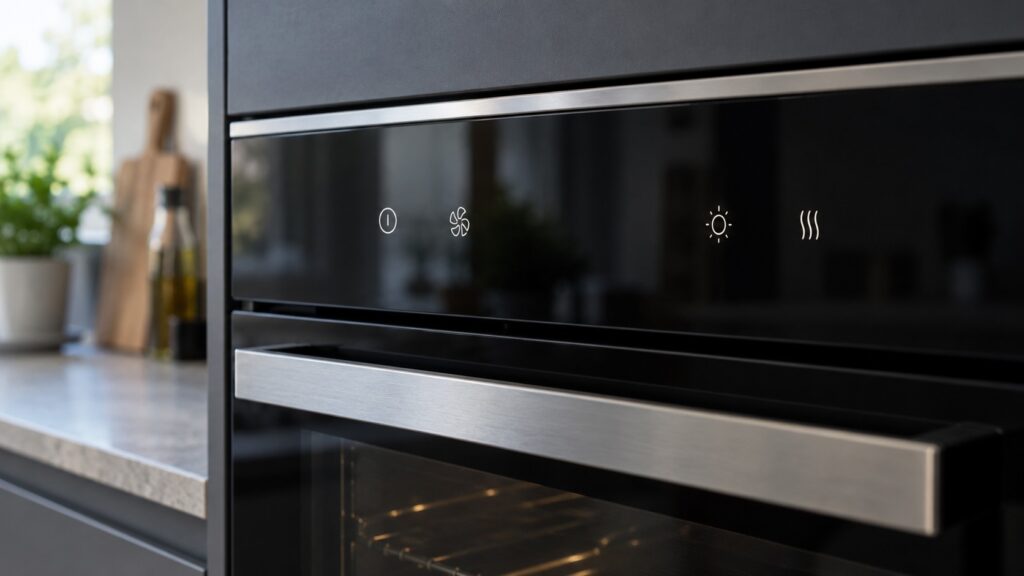
Fisher Paykel oven symbols fall into two groups: icons that report a normal state, such as a locked door or a running timer, and displays that report a problem, such as an F code, four dashes or a blank screen. Which icons your oven has depends on the model, so the full icon list lives in your owner’s manual. What this glossary does is cover the display states we meet most often on service calls, so you can tell a harmless indication from a fault and know what to do about each.
What do the symbols on a Fisher Paykel oven mean?
Every oven display is a mix of status icons and fault messages. Status icons tell you what the oven is doing: heating, locked, timing, or waiting for you to choose something. Fault messages tell you something is wrong. The two look similar at a glance, so the first skill is to separate them. A lock icon that appears while a self-clean cycle runs is a status. An F followed by a number is a fault. Four dashes or a dark screen can also be fault-type states, and each has its own page on our site.
For anything beyond what we describe here, such as the icon for a timer, a probe or a specific cooking mode, rely on the legend in your owner’s manual, because the icon set differs by model and we do not publish a table that could be wrong for yours.
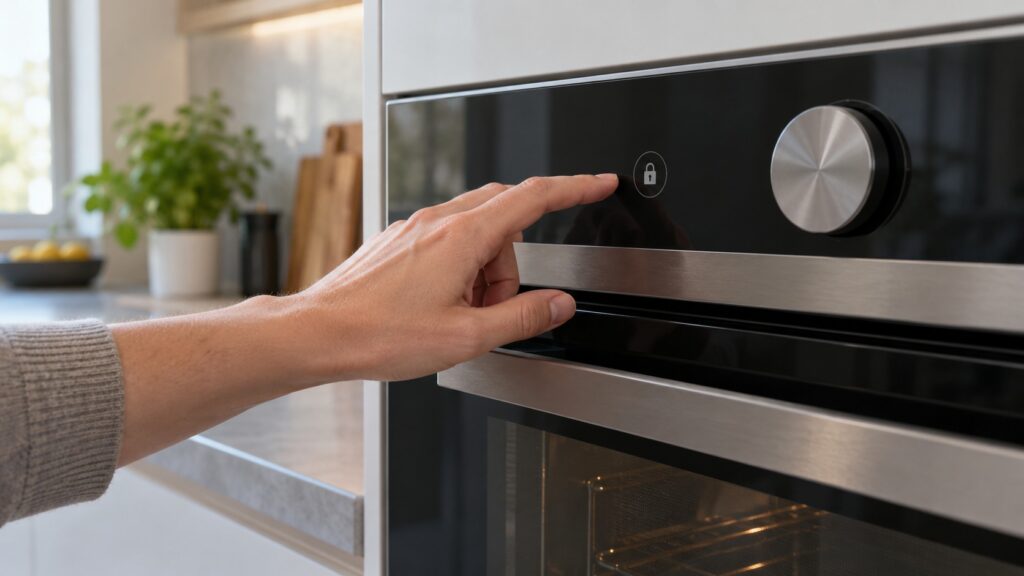
What does the lock symbol mean on a Fisher Paykel oven?
A lock symbol normally means the door is locked, and it is expected during and after a self-clean cycle. The door stays locked until the oven cavity has cooled to a safe temperature, which can take a good while. That is the interlock protecting you from a scorching cavity, not a fault. Give the oven time to cool completely before you try the door. If the lock symbol stays lit on a stone-cold oven, the latch cycles without releasing, or an F7 appears next to it, you have a stuck lock rather than a normal interlock. Our page on an oven door locked after self-clean explains what to check, and the guide to oven F4, F5 and F7 error codes covers F7 in detail. Never force the door against the lock, because that bends latches and breaks switches.
What do four dashes on the display mean?
Four dashes appearing where the temperature or time should be are not a decoration. On an older Fisher & Paykel OB60 oven, our page reads them as an overheat indication, but what a display state means differs by model, so confirm it in your owner’s manual. If the oven is hot, switch it off and let it cool completely before you use it again. Our page on the four dashes display has the details. If the dashes return after the oven has cooled, stop using it and call a technician.
Why is the oven display blank or not responding?
A blank display often follows a power event, and a lost link between the clock module and the power module can show up as an F5 alongside a dark or frozen panel. Check that the breaker is on, then switch the oven off at the breaker for several minutes and restore it. If the panel stays dark with confirmed power, a technician needs to test the display and power modules. Our oven blank display page lists the likely causes in order. Do not open the control panel yourself, because the modules sit close to line voltage.
What should you do when an F code flashes?
Write down the exact code before you do anything else, because cutting the power clears the evidence. Then switch the oven off at the breaker for a few minutes and restore it. A transient glitch, such as a surge, can clear this way. If the code comes back, a reset is not the answer, and the exact number is what a technician needs. Our F code reset page explains the approach, and the guides on F1, F2 and F3 error codes and F4, F5 and F7 cover the families. Treat a reset as a diagnostic step, not a habit.
What about a flashing clock after a power cut?
A flashing clock after the power returns often means the display lost its time setting. Whether your model needs the clock set before it will heat, and how to set it, is in your owner’s manual, so check that before you assume anything is broken. If the clock keeps resetting without a power cut, mention it to a technician along with the model number.
When should you call a technician?
Call when a code returns after a power cycle, when the door stays locked on a cold oven, when the display stays dark with good power, or when four dashes return after cooling. Have the model number and the exact display reading ready. Our Fisher Paykel oven repair page explains how a visit works.